

TL;DR
To create new email account, most providers follow the same basic flow:
- A. Pick a provider (free vs private vs business) and go to their official website.
- B. Fill in basic info (name/surname, country/region, age, etc.)
- C. Create your address (choose a username) + secure it (set a password)
- D. Finish setup (recovery options or identification)
The core difference is how much info about you the provider asks for and what they tie your inbox to.
- Traditional “unprivate” providers usually ask for identifiers: phone number, real name, a backup email. Resets are easy, but anonymity isn’t.
- Privacy-first providers try to collect as little as possible. Recovery becomes private too: recovery codes, device keys, or a seed phrase-style backup.
We recommend using a private email (like Atomic Mail) to protect your identity, reduce tracking, and keep your inbox from becoming a weak link for every account you own.
Now, let’s walk through the exact flow to create new email accounts on the key providers, compare them side-by-side, and steal a few practical tips along the way.
Before You Create New Email: 4 Things To Prepare
Most people rush to create a new email account without a plan and end up locked out or hacked months later. A little prep work saves you a big headache.
- Choosing provider: traditional or private?
- Traditional (Big Tech): You get convenience and integrations, but you pay with your privacy. They collect personal data at sign-up, may monitor/scan activity signals, and stitch together a “digital fingerprint” of you.
- Private (Atomic Mail): truly private sign-up, strong encryption by design, and multiple privacy tools (like aliases and private recovery) that separate your identity and inbox.
- A strong password: When you create new email accounts, don’t copy-paste the same password everywhere, even if it’s long and “complex.” But also: don’t try to memorize 50 different passwords. Use a password manager and consider passphrases (several random words): easier to remember, and often harder to crack because they’re long.
- A recovery method that won’t lock you out: Traditional phone-based recovery is easy, but it’s also the most attacked (SIM swaps, number recycling). Seed phrases/recovery codes are safer – if you store them like cash: offline, duplicated, and not in the same inbox you’re protecting.
- What to avoid sharing: To create new email accounts with less data exposure, don’t volunteer extra profile details. Skip optional fields; avoid using your main phone number if you can; don’t reuse a recovery email everywhere. If you choose Big Tech providers, turn off ad personalization where it’s offered.
Traditional Providers
The Big Tech providers. They are free, convenient, but built to harvest your data.
Gmail: Create a new Google email account
1. Go to accounts.google.com/signup
2. If prompted, select "For my personal use."
3. Enter your First and Last Name (pseudonyms are often flagged).
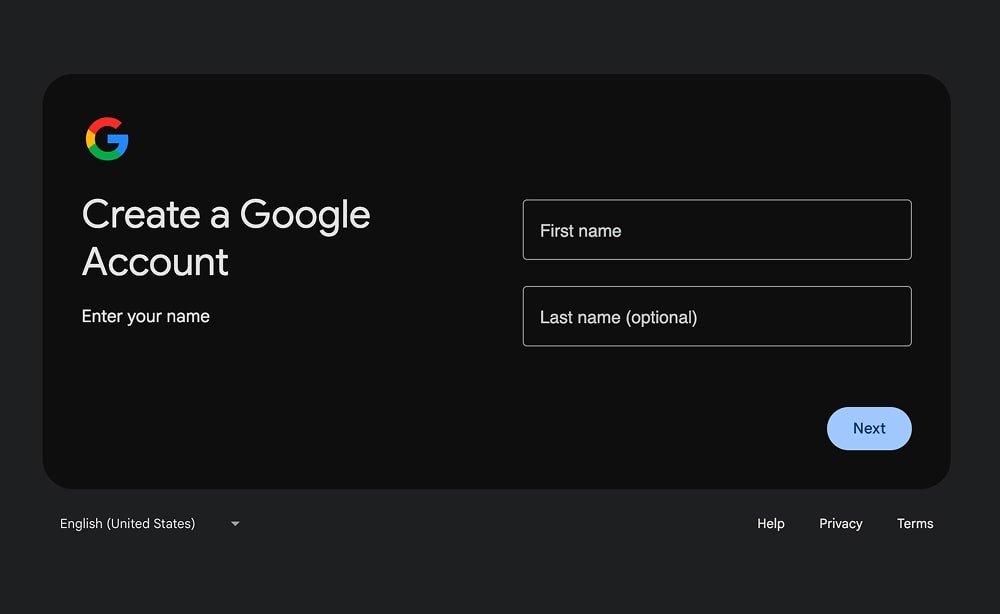
4. Enter your birthday and gender.
5. Choose your @gmail.com username.
- Note that Gmail uses "dot-blindness," meaning john.smith@gmail.com and johnsmith@gmail.com are the same account.
6. Enter a Password.
7. Enter a valid mobile number to get the SMS verification code.
- Note: VoIP numbers (Google Voice, Burner) are frequently rejected.
- Note: Sometimes Google asks to scan a QR code to complete verification on the phone.
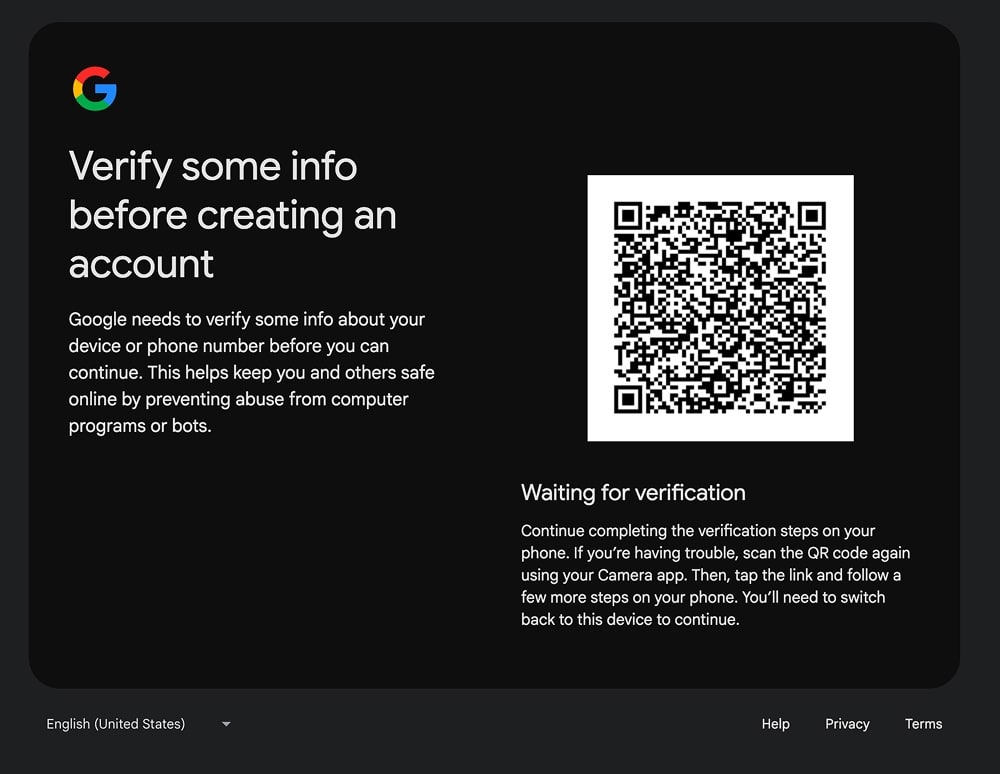
8. Enter Recovery Email (optional).
9. Agree to the Terms of Service to finalize.
Microsoft Outlook: Create a new Outlook.com email account
1. Go to outlook.com
2. Click Create free account.
3. Enter desired email address (then choose between @outlook.com or @hotmail.com).
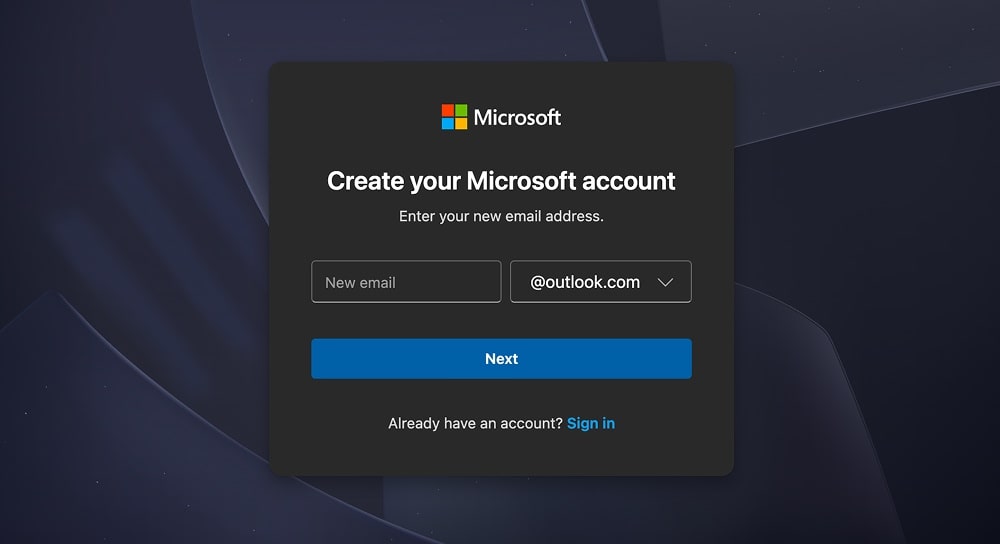
4. Create a Password.
5. Select Country/Region and Date of Birth.
6. Enter First Name and Last Name.
7. Bot Check: Solve the "FunCaptcha" puzzle (often rotating animals or matching icons).
8. If prompted, verify identity prompts (often phone/email).
Yahoo Mail: Create a new Yahoo email account
1. Go to login.yahoo.com/account/create
2. Enter Full Name and desired Email Address.
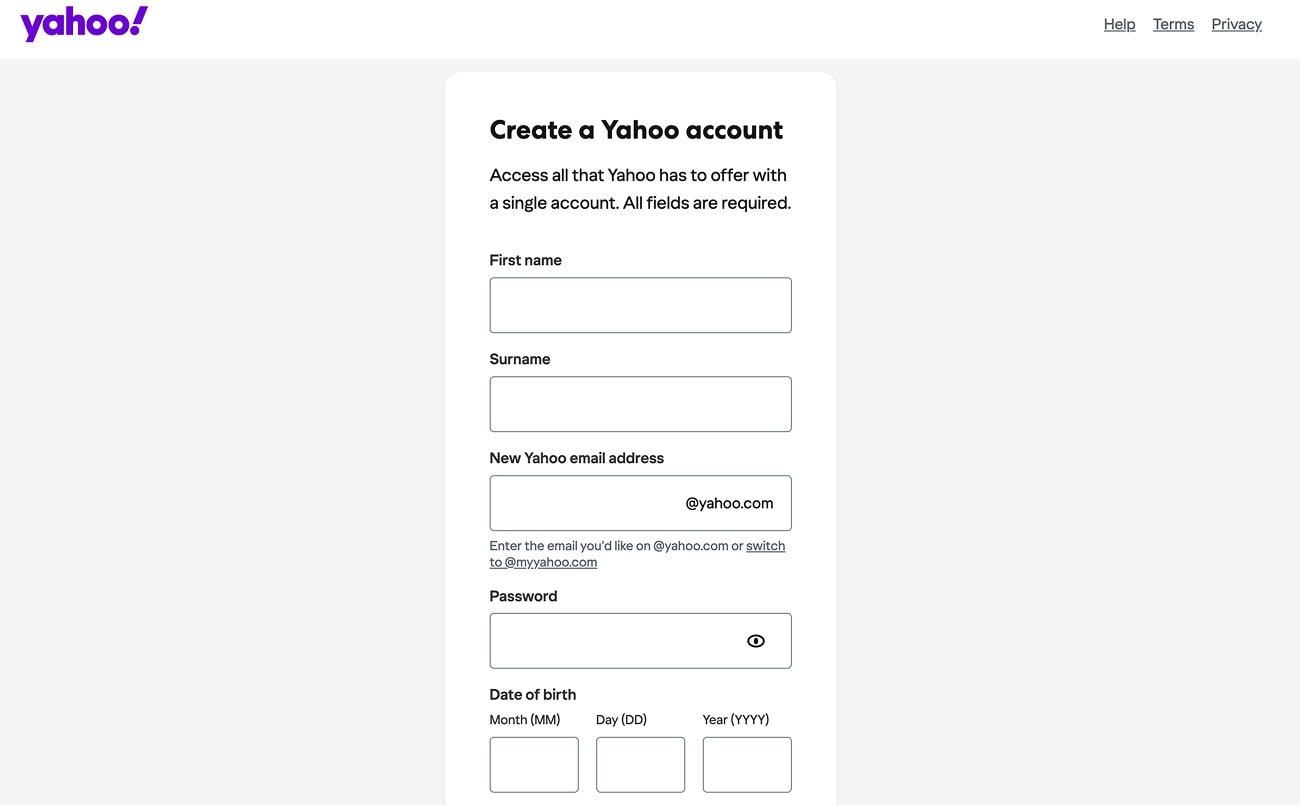
3. Create a Password.
4. Enter Date of Birth.
5. Agree to Yahoo's terms and Privacy Policy.
6. Verification: Enter a mobile phone number and the 5-digit code sent via SMS.
- Note: Yahoo is the strictest provider regarding VoIP; a real SIM card is almost always required.
7. Click Done to access the inbox.
iCloud Mail: Create a new iCloud Mail account
Note: Tightly integrated with Apple hardware. Hard to create without an Apple device.
1. On your iPhone or Mac, go to Settings > [Your Name] > iCloud.
2. Select iCloud Mail and tap "Turn On."
3. Follow the prompt to "Create" a new @icloud.com address.

4. Confirm: It automatically links to your existing Apple ID and phone number.
Privacy-First Providers
These providers are focused on enhanced privacy and encrypt your data so that even they can't read it.
Atomic Mail: Create a new Atomic Mail account
1. Go to atomicmail.io/app/auth/sign-up
2. Enter your First name and Last name (optional).
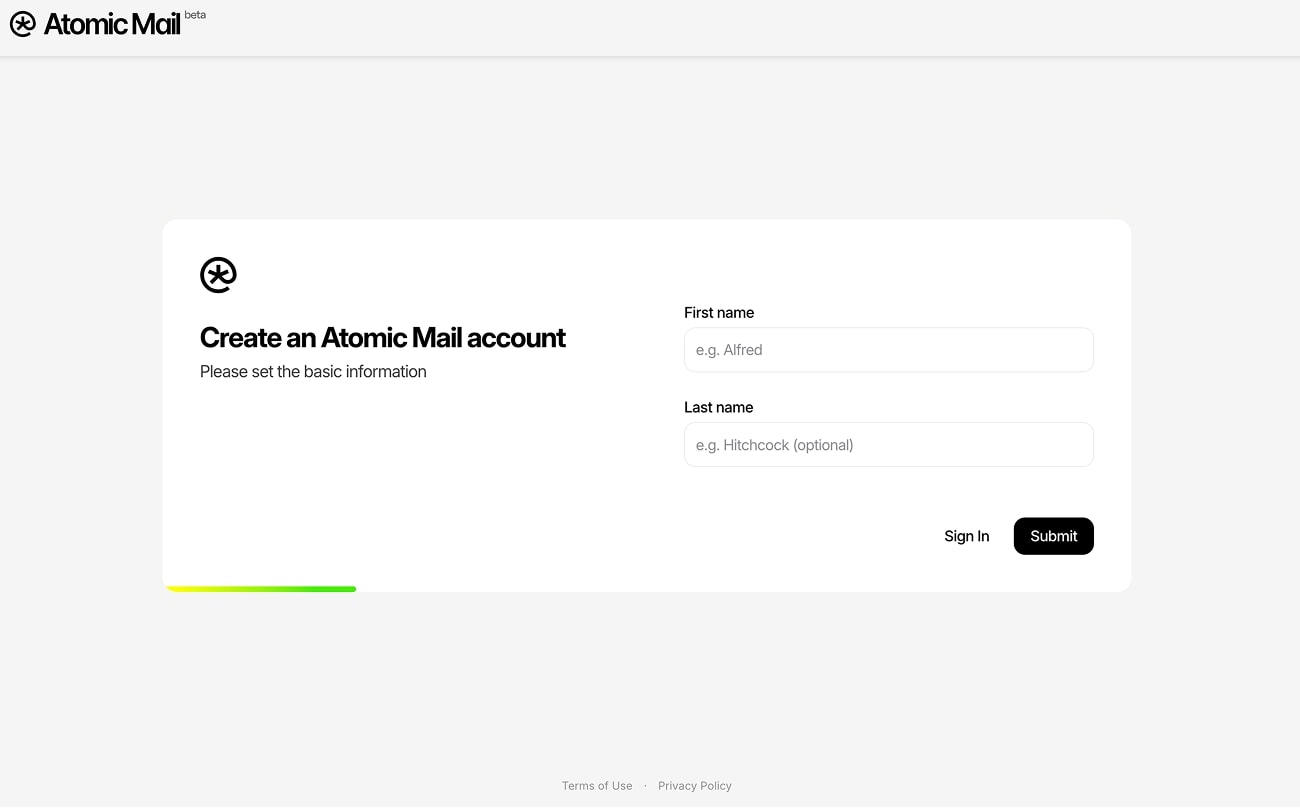
3. Enter your email address.
4. Set a password.
5. Save the Seed Phrase for account recovery: The system will generate a 12-word Seed Phrase (or you can set your own seed phrase).
- Write down and save this Seed Phrase. It is the only way to recover the account if you lose the password. There is no admin reset.
6. If prompted (based on IP reputation), solve a CAPTCHA.
7. Enter your inbox.
Proton Mail: Create a new Proton email account
1. Go to the Proton Mail website.
2. Click Create a free account.
3. Select your plan.
4. Enter desired Username and Password.
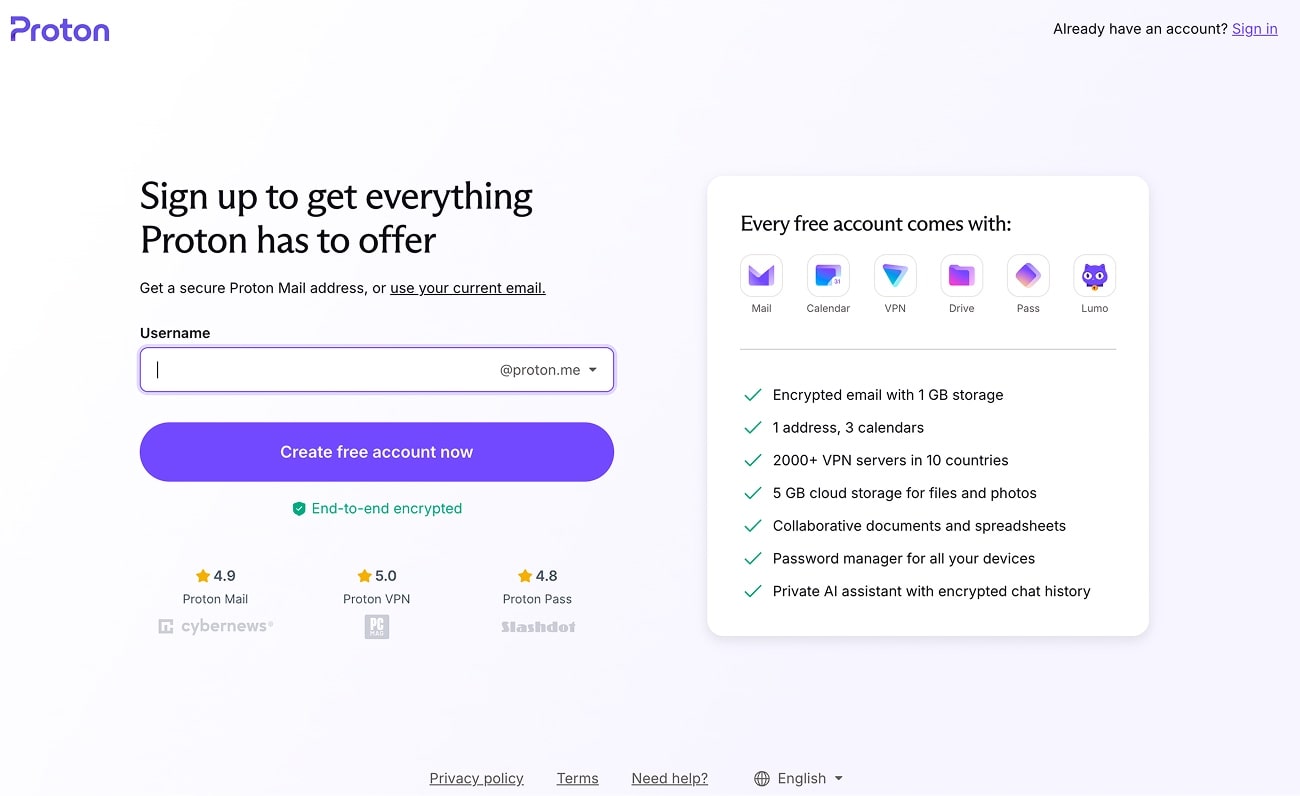
5. If prompted (based on IP reputation), solve a CAPTCHA or verify via email.
6. Download the Recovery Kit that lets you restore your Proton Account if you’re locked out.
7. Click Continue to finish.
Tuta: Create a new Tuta account (formerly Tutanota)
1. Go to the Tuta website.
2. Click Create free account.
3. Choose your plan.
4. Agree to the Tuta’s policy (only 1 account per person exclusively for personal communication).

5. Enter desired Address and Password.
6. Agree to the Tuta’s General terms and conditions.
7. If prompted, solve a CAPTCHA.
8. Copy the alphanumeric recovery code displayed. This is mandatory for password resets.
9. Click OK to finish.
Comparing Providers
When you create new email account, the “form” looks similar. What’s different is what the provider asks to know about you, and what they can use to pull you back into the account later.
Mini Decision Guide: Which Provider Should You Pick?
✅ We recommend choosing a privacy-first email provider for pretty much anything and it isn’t a paranoia.
When you create new email account, you’re creating a master key. Email unlocks logins, password resets, receipts, invoices, bank alerts, contracts, and the little “confirm your device” pings that decide whether you get into your own accounts.
So pick a provider that collects less, encrypts by default, and gives you tools (like aliases) to keep your real identity off random websites.
✳️🔐 Sign up for Atomic Mail for free and protect your communication.
⚠️ Still, if your goal is pure convenience and you don't care about security, you can pick a traditional provider. You’ll get integrations, autofill logins everywhere, and a full ecosystem.
Just know what comes with it:
- Weak anonymity.
- More data collected at sign-up.
- Constant provider data breaches.
- More tracking surface.
- More identity glue.
Tips and Lifehacks
- Prevent deletion: Did you know many providers delete inactive accounts after a while? When you create new email account, check that provider’s inactivity policy (often somewhere in the 6 months-2 years range) and log in occasionally so you don’t lose the address and everything tied to it.
- Aliases: When you create a new email account, keep your main address “clean” and use aliases to separate identities and organize inbox better.
- 2FA protection: Right after you create new email account, enable 2FA – prefer an authenticator app or hardware key over SMS (SMS is both unpivate and insecure).
- “Username taken” tricks: If john@ is gone, don't add your birth year (john1990 gives away your age). Try: john.contact@, john.work@, or mail.john@. It looks professional and keeps your personal data obscure.
- Filter on day one: The moment you create new email account, add 2-3 simple rules (Receipts → folder, Newsletters → label, Important people → star). You’ll feel the difference within a week.
- Recovery backup, offline: When you create new email account with recovery codes/seed phrase-style backup, store it offline, duplicated, and never in the same inbox you’re protecting.
FAQ
How to create a new email account?
To create new email account, the flow is usually the same: Go to the Provider's Homepage → Enter Personal Details → Pick a Username → Set a Password → Finish Setup (recovery / verification).
The key difference is how much personal info you must hand over. Traditional providers will usually block you until you hand over your phone number and real name. Private providers like Atomic Mail skip the interrogation – you just secure your recovery phrase and you are in.
Can I create a new email account without a phone number?
With Atomic Mail, yes. We don't ask for it. Traditional providers like Gmail and Outlook almost always demand a mobile number to "verify" you (and track you).
What’s the safest recovery method?
Seed Phrase (used by Atomic Mail) or a printed recovery code is the safest. Avoid SMS or secondary email recovery, as these can be intercepted by hackers or exploited via SIM swapping.
Should I create a new email account for banking and important logins?
Separation is critical, but you don't necessarily need a whole new inbox. Instead, use Aliases. Atomic Mail gives you 10 free aliases, letting you create unique addresses for banking and other activities that forward to your main secure vault without exposing your primary identity.
Is Gmail actually secure?
It is secure from low-level hackers, but it is the world's biggest target for massive breaches. More importantly, it is not safe from Google itself. They hold your encryption keys, meaning they can scan your data to train AI, target ads, or hand everything over to government authorities.
Which provider is best for anonymity?
Atomic Mail and Tuta are the top choices because neither requires a phone number or third-party email to sign up. However, Tuta places heavy restrictions on free accounts, making Atomic Mail the faster, unrestricted choice for instant anonymity.