

Best Email App Standards in 2026
In 2026, the concept of the ideal email app no longer involves merely handling messages; it now requires the app to act as an 'intelligent gateway'. With daily global email traffic reaching 392 billion messages, the most important feature of an app is now its ability to autonomously filter, summarize, and secure data.
The best email app in this era has to stand on two pillars:
- Enhanced privacy and security – end-to-end encryption, zero-access storage, aliasing and masked addresses, minimal telemetry/logging, secure account recovery, clean data-handling practices, etc.
- Productivity without snooping – instant search, smart inbox triage, rules/filters, cross-device consistency, and AI features that work locally or with strict privacy guardrails (no silent data exporting).
How we Ranked
We ranked the best email apps using a practical scoring model: can this email app protect you and make you faster?
The scoring rubric
What we tested: new account setup, usability in real life (how fast you can learn it, how hard it is to mess up), encryption UX (is it simple to use for regular people?), alias creation + how fast you can shut one down, multi-device consistency, recovery flow strength.
Shortlist Comparison of the Best Email Apps in 2026
If you’re in a hurry, this table breaks down the 2026 leaders.
Privacy And Anonymity Leaders
Atomic Mail
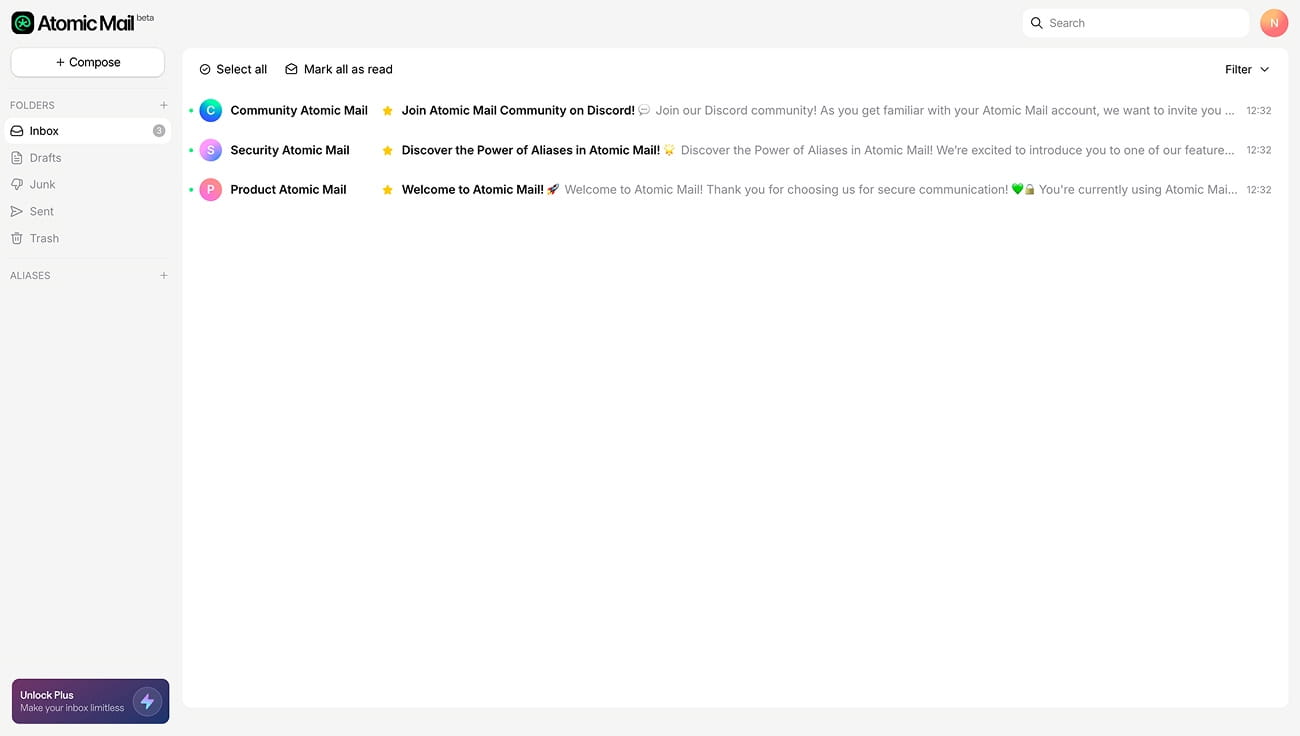
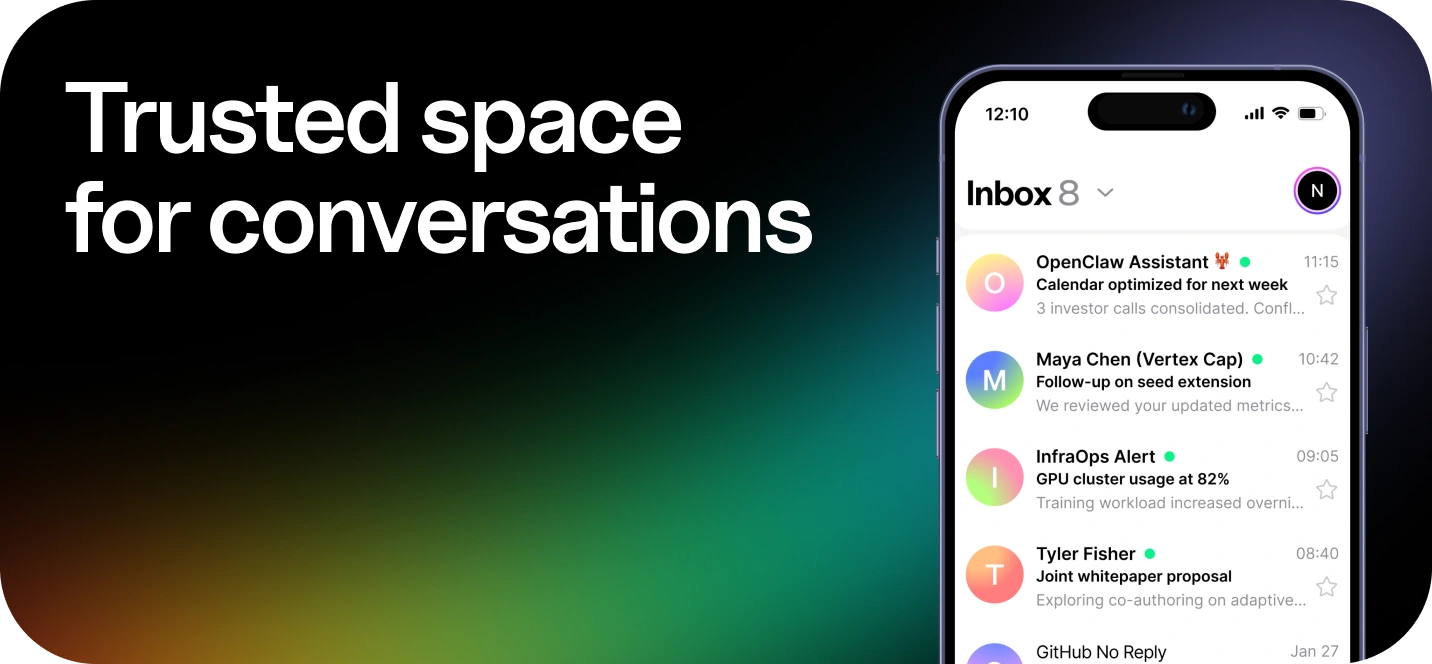
Founded in 2024 by EU-based cybersecurity experts and digital rights advocates, Atomic Mail aims to make high-level privacy accessible for everyone. Headquartered in Tallinn, Estonia, it operates under the strict GDPR protections. This mail app combines advanced security features with a sleek, minimalist interface, ensuring that staying secure is as simple as sending a standard text.
Key features:
- End-to-end encryption (simple for internal and external communication)
- Zero-access encryption (decryption happens locally; even Atomic Mail cannot access encrypted messages)
- Anonymous sign-up (no phone number, no full name, no additional email required)
- Free email aliases (up to 10)
- Free unlimited storage
- Seed-phrase account recovery
- Atomic Mail Plus features (Paid plan): 150 Hide My Email aliases + extra aliases (up to 15 total) + a private AI suite.
- Plus AI suite includes: Help me Write/Answer, Summarizer, Translator & Grammar Checker, Security Helper, Text-to-Voice
- Short Aliases (1-4 characters) (paid)
Final verdict: The most significant new entry in the email space. Atomic Mail’s free plan is one of the most competitive offers in the secure email market: core privacy features that many competitors offer in paid tiers are available right away. And the encryption is simple enough for ordinary people to use without any setup.
⭐️⭐️⭐️ Score: 9.5/10
Proton Mail
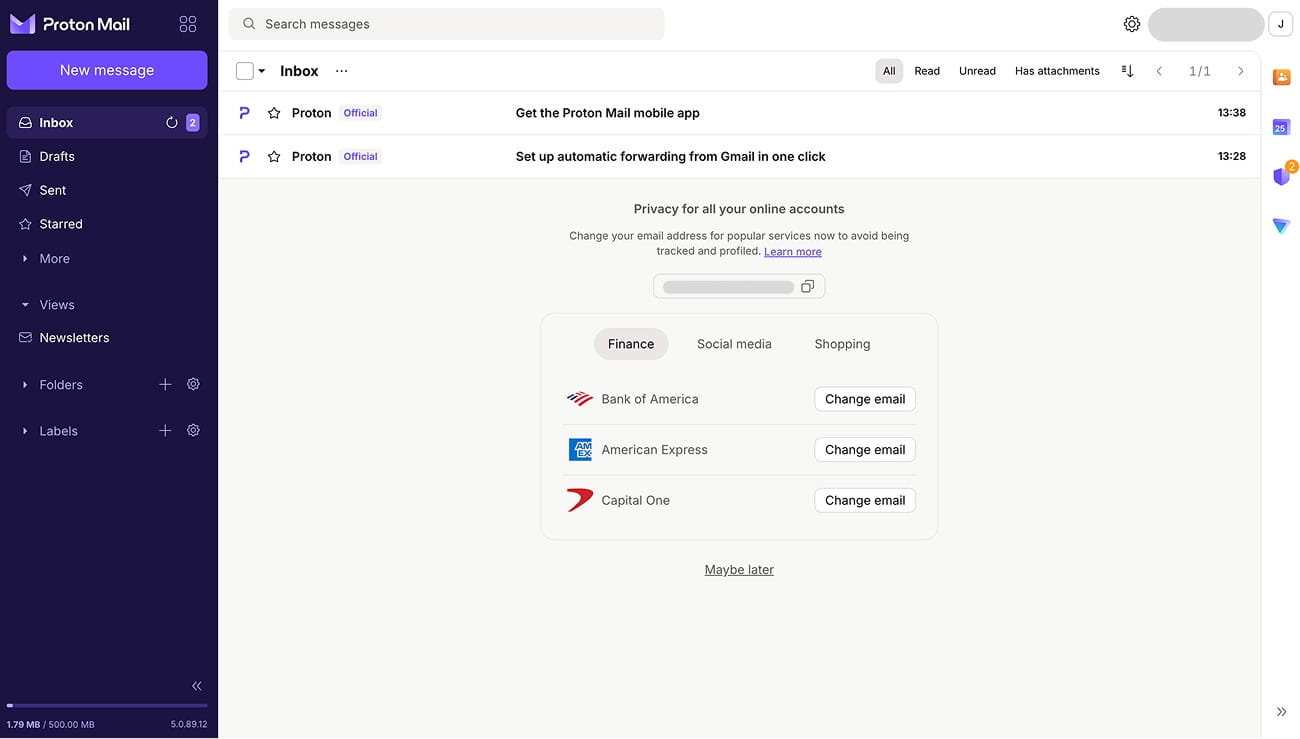
ProtonMail was founded in 2013 by CERN scientists concerned about the mass surveillance programmes revealed by Edward Snowden. Based in Switzerland, it has become the global standard for secure, encrypted email. Over the last decade, Proton has expanded to offer a full privacy ecosystem, integrating VPN, Drive and Password Management services under a single Swiss-protected identity.
Key features:
- End-to-end encryption + zero-access model
- Proton Free: 1 address, up to 1 GB mail storage (boostable), Easy Switch import assistant, 150 messages/day limit
- Paid: Mail Plus and above: Folders/labels/filters + custom domain support + multiple addresses (Mail Plus gives 10 extra addresses; Unlimited gives up to 15) + Proton Mail Bridge for IMAP/SMTP in third-party clients + Proton Scribe (AI writing assistant)
- Hide-my-email aliases via Proton Pass / SimpleLogin integration (Free includes some; more on paid)
Read more about the best Proton Mail alternative.
Final verdict: A reliable privacy-first email app when you want a big ecosystem and predictable feature growth. Just note the free plan is fairly restrictive – most people end up paying to get the “bare minimum” workflow.
⭐️⭐️ Score: 8.9/10
Tuta Mail
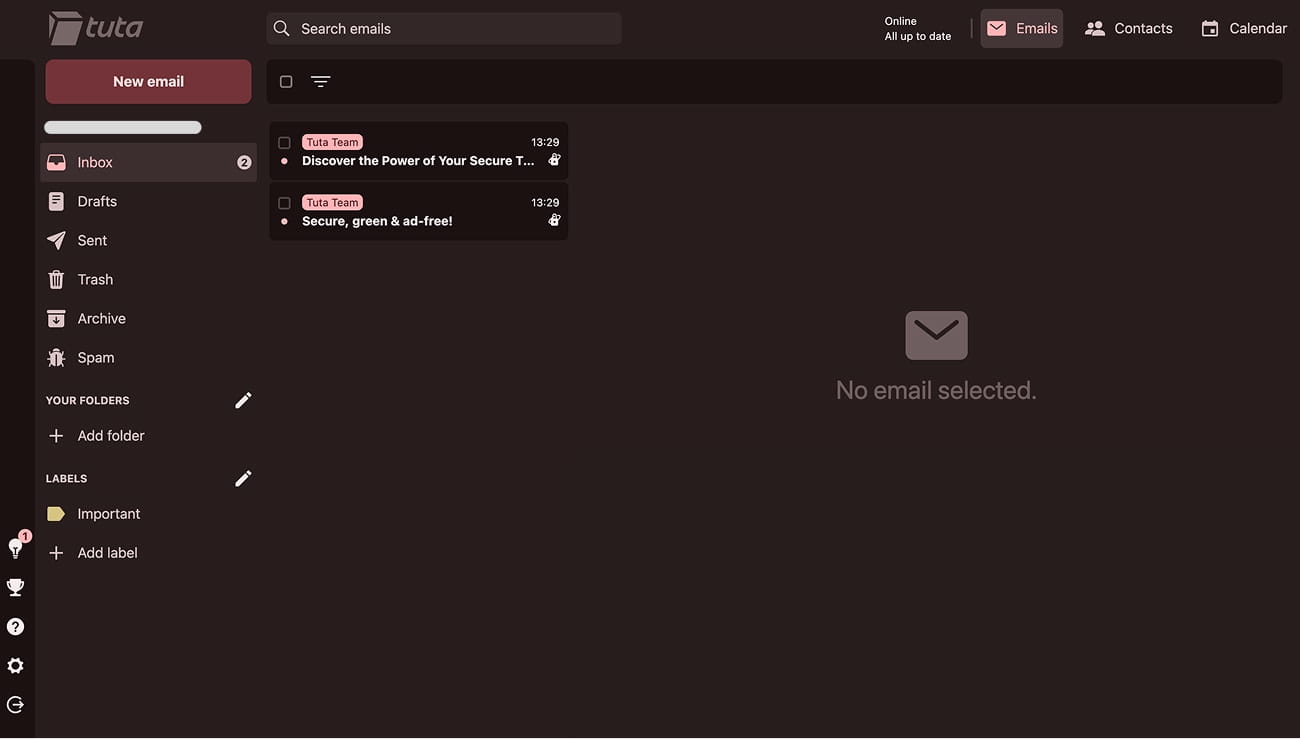
Originally founded in 2011 as Tutanota in Hanover, Germany, the service rebranded as Tuta in late 2023. It was the first to offer an encrypted calendar and a post-quantum encryption protocol (TutaCrypt), which protects data against future threats from quantum computing.
Key features:
- End-to-end encryption, zero-knowledge architecture
- Full metadata encryption
- Quantum-resistant tech (TutaCrypt protocol)
- Free plan limits: only 1 email address per person (for personal use only), 1 GB storage, 1 calendar, 3 labels, no aliases, no custom domains, no support at all
- Paid: Revolutionary and above: 20 GB storage + extra addresses (aliases) + custom domains + more calendars + priority support
Read more about the best Tuta Mail alternative.
Final verdict: If you’re ready to sacrifice convenience for technical precision, Tuta is one of the best picks for “encrypt everything” email. Just be prepared to pay for the bare minimum features (like a second address, aliases, or work-friendly domain use), and to live with a fairly outdated interface.
⭐️ Score: 8.5/10
Corporate Anchors
Gmail (Google Workspace)
.jpg)
The most popular email app on the planet. For businesses, Gmail is much more than just an email app within Google Workspace. It offers shared documents, meetings, calendars and, now, Gemini AI features to help teams work more efficiently within Gmail and across Docs/Sheets/Slides.
However, Gmail's business model (which relies on data mining and user profiling for targeted advertising) remains criticised by privacy advocates. This is why many people use Gmail alternatives such as Atomic Mail for sensitive communication.
Important Note: We are only talking about the Google Workspace suite here. Free personal accounts are scanned to build advertising profiles, but Corporate Workspace plans are far more compliant and do not use email content for ad targeting (however, they are not yet secure).
Key features:
- Great search + spam filtering
- Tight integration with Google ecosystem
- Third-party integrations
- Paid: Google Workspace: Custom domain + admin console + device policies + Gemini AI
- Gemini AI in Gmail (Paid): "Help Me Write", inbox management and summarization, intelligent search and data retrieval, advanced "agentic" features
- Compliance/retention tools like Vault on higher tiers (Paid, tier-dependent)
Final verdict: Still the best email app for sheer productivity if you pay for the corporate version. However, if you care about privacy, it’s still the wrong category.
⭐️ Score: 8/10
Microsoft Outlook (Microsoft 365)
.jpg)
Outlook is the other corporate anchor, built around Exchange and Microsoft 365. It’s perfect for calendar-heavy workflows and enterprise governance, but, like Gmail, it’s not a private email provider.
Important Note: Much like Gmail, the "Personal" free version of Outlook tracks user behavior and mines metadata for advertising profiles. Corporate Microsoft 365 plans are typically more compliant, but they’re still not secure in a true privacy sense.
Key features:
- Great search + spam/junk filtering
- Tight integration with the Microsoft ecosystem: Teams, Calendar, OneDrive/SharePoint attachments, Office files
- Third-party integrations via Outlook add-ins
- Paid: Microsoft 365: expanded storage + custom domain + admin center + org-wide policies + calendar-first workflow + shared mailboxes + identity & access management + security controls + teams meetings + collaboration stack + Copilot AI
- Copilot AI (Paid): "Help Me Write" & coaching, summarize threads, pull key points and action items
- Compliance & governance (Paid / tier-dependent): retention, DLP, auditing, eDiscovery via Microsoft Purview stack
Final verdict: Outlook is a great candidate for a corporate email app if your priority is governance, collaboration, and admin control. For privacy and security, it’s the wrong tool.
⭐️ Score: 7.9/10
Zoho Mail
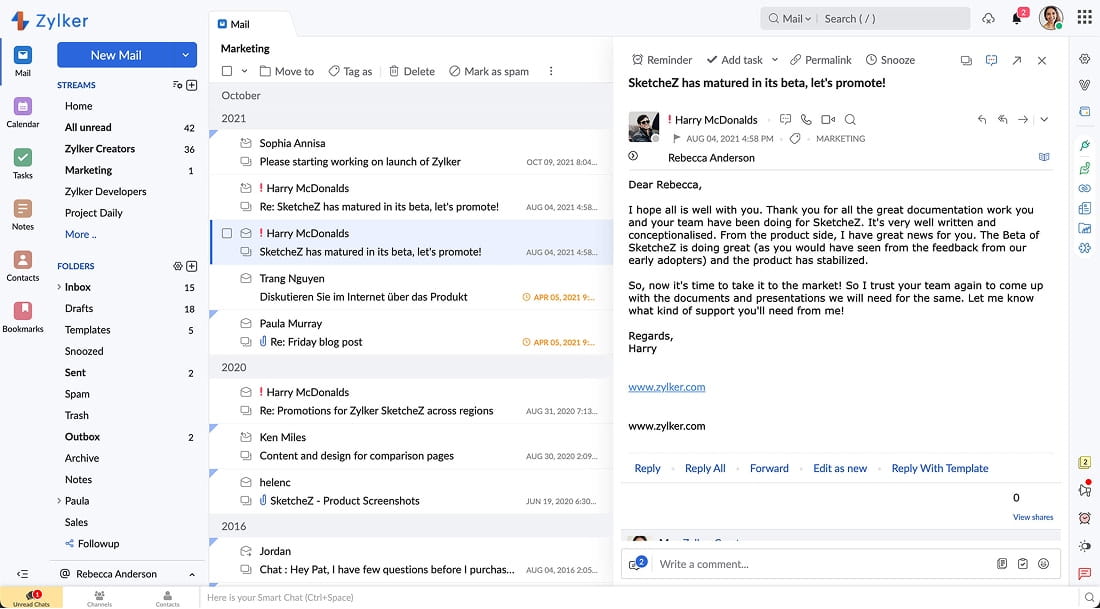
Zoho Mail is the "privacy-conscious" professional choice for those who want business features without the Big Tech baggage. Zoho traces back to 1996 and is headquartered in India. This mail app has built a reputation for its strict "no ads, no tracking" policy, even on its entry-level accounts.
Important note: The "Forever Free" era is changing. Lately, Zoho has begun removing free plan options for several regions. If you're signing up from a restricted region, you may find the free tier inaccessible, forcing a move to a paid plan immediately.
Key features (Paid Plans):
- Custom-domain + admin console
- Migration assistance + tools
- IMAP access, email routing/forwarding, ActiveSync, SAML SSO, white labeling
- Compliance extras (retention/eDiscovery, S/MIME) on higher tiers
- Huge attachment support (up to 1GB on Premium tier)
- AI assistant (Zia): "Help Me Write", email/thread summaries, smart auto-reply, and calendar AI
Final verdict: Zoho Mail is the bridge between the high-cost ecosystems of Google and Microsoft and the advanced privacy of providers like Atomic Mail. Compared to Google Workspace and Microsoft 365, Zoho is usually cheaper and less “ecosystem locked,” while still giving you the business basics, but it won’t match Google/Microsoft for universal integrations, and it definitely won’t match encrypted-first providers for seamless privacy.
⭐️ Score: 7.5/10
Final Verdict: Pick Your Winner In 60 Seconds
The best email app is a moving target that depends entirely on what you’re trying to protect: your time or your data. Here is the breakdown to help you decide:
- Choose Atomic Mail if you want a secure, private inbox for everyday life. The free tier is unusually generous, encryption is easy and automatic, and the “no personal data collection by default” approach helps protect your identity without sacrificing convenience.
- Choose Proton Mail if you want a big privacy ecosystem (Mail + VPN + Drive + Pass) and don’t mind paying early to unlock a normal workflow.
- Choose Tuta Mail if you’re a full-encryption purist and you’re okay with a more old-school interface and paying for basics.
- Choose Gmail (Google Workspace) if you run a company that lives in Docs/Sheets/Slides and you want the fastest collaboration machine – and you accept it’s not a private provider.
- Choose Outlook (Microsoft 365) if your world is Teams + calendar + enterprise governance, and compliance/admin control matters more than security and anonymity.
- Choose Zoho Mail if you want a professional, ad-free business inbox on a budget and don't require the massive ecosystem of Google or Microsoft, and you can live without “automatic encryption” simplicity.
FAQs
What is the best email app for iPhone in 2026?
For iOS users, the best email app balances security with the fluidity of Apple's native ecosystem. Atomic Mail is a top contender for those seeking privacy without a complicated setup process.
What is the best email app for Android in 2026?
The best email app for Android depends on your Google dependency. If you want to de-Google your life, Atomic Mail is ideal as it offers a standalone, tracker-free experience. Proton Mail is a strong second if you’re fine with paying to unlock a normal workflow.
Which is the best encrypted email app?
Atomic Mail is the easiest encrypted email app to live with day-to-day. Proton Mail is the mature ecosystem choice. Tuta is for people who want “encrypt everything” intensity, including more metadata protection, and don’t mind a stricter experience.
What is the best business email app?
If your business runs on collaboration and admin controls, Google Workspace Gmail and Microsoft 365 Outlook are the defaults; however, they are not secure. If your business needs secure communication as the baseline, Atomic Mail fits better. If you want a business email without Big Tech lock-in and with tight budgets, Zoho is the practical middle ground.
Free email app vs. paid: what to choose in 2026?
In 2026, paying for a mail app isn’t only about storage or extras, it’s mostly about user sovereignty. Free inboxes fund themselves through profiling and data-driven ecosystems, while private providers live on subscriptions and have an incentive to minimize data collection. The problem is many “secure” services make free tiers so restrictive you’re forced to pay for basics; Atomic Mail is a good balance because the free plan is genuinely usable, and you upgrade for convenience extras, not to unlock security.