

Google Chrome invited Atomic Mail to test how the built-in Gemini Nano model can level up private email. Today, we are introducing a new era of AI in email – running entirely on your device:
- 100% local, 100% private
- your data stays on your laptop
- zero cost
Let’s take a closer look.
What’s new
We've partnered with Google Chrome to integrate their on-device AI (powered by Gemini Nano) directly into Atomic Mail. By shifting AI processing entirely to your device, we are maximising our dedication to privacy. You get advanced AI tools, and because all processing happens locally, your data never leaves your computer.
You can now use local AI assistance right inside your inbox for:
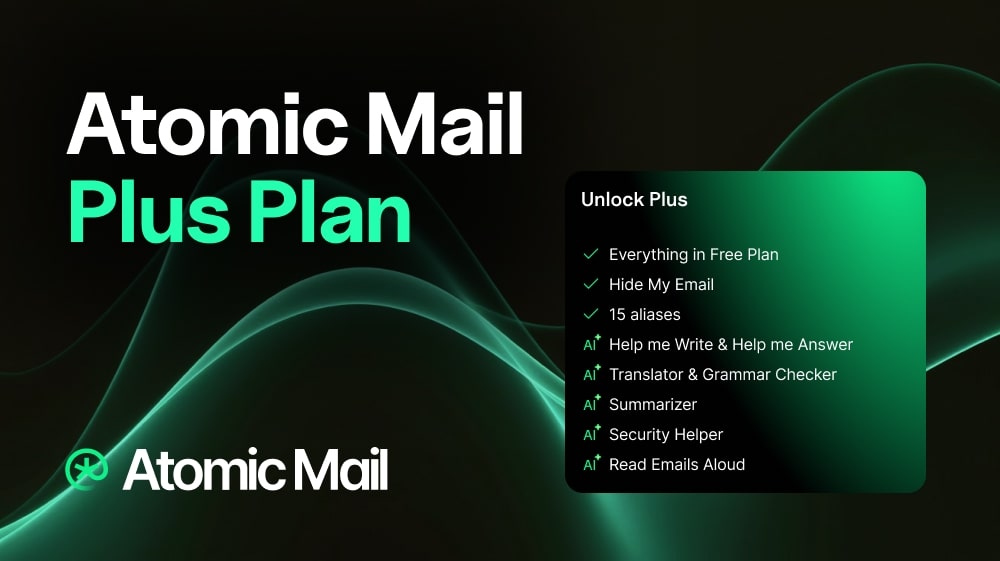
- Help Me Write to draft, rewrite, or improve emails
- Help Me Answer to create quick reply suggestions and help you respond faster
- Thread Summarizer to turn long conversations into clear points
- Grammar Checker to polish tone, clarity, and correctness
- Security Helper to detect sensitive content in drafts and suggest encryption when needed
How it works: fully local & private
All Atomic Mail’s AI features are built to be secure by default. But when AI processing happens off-device, there can still be additional points of exposure that local AI removes entirely. In email, where privacy matters most, that extra layer of protection makes a real difference.
Now, supported AI actions in Atomic Mail run directly on your own computer, inside Chrome desktop. We leverage Gemini Nano, meaning the heavy lifting (inference) is handled by your computer's own CPU and GPU via Chrome's optimization-guide-on-device-model.
Why you’ll love it
Total privacy: With local AI, your prompts and generated output stay on your device only. That is the whole point.
Fast: AI runs locally on your device, so there is no network overhead or waiting for cloud servers.
The power of Google tech, the privacy of Atomic Mail: You get the industry-leading intelligence of Google's Gemini Nano combined with Atomic Mail’s strict privacy standards.
Free: As a limited-time offer, we are providing all of these powerful AI features completely for free to Chrome users.
How to use it
Start fast and simple:
1. Check your setup. Make sure you are using Chrome desktop and that your device meets the requirements mentioned in the section below.
2. Download local AI directly from your Atomic Mail inbox. Go to Privacy Center > Security Options > Local LLM (toggle on).

3. Use 100% private AI for free.
System requirements
To run AI locally on your device, please make sure your system meets the following requirements:
- Browser: Google Chrome 138+
- Operating system:
- Windows 10 or 11
- macOS 13+ (Ventura and newer)
- Linux
- ChromeOS on Chromebook Plus devices, from Platform 16389.0.0 and onward
- Storage: at least 22 GB of free space on the volume that contains your Chrome profile
- GPU: strictly more than 4 GB of VRAM
- Memory / CPU: 16 GB of RAM and 4 CPU cores
- Network: unlimited data or an unmetered connection
Availability
This release is currently available only on Google Chrome desktop.
It is not available on:
- mobile
- Chromium-based browsers other than Chrome
Atomic Mail: a better way to bring AI into email
There is a growing assumption that AI only becomes useful when users give up more data. We reject that idea.
At Atomic Mail, we believe AI should improve the product without weakening the privacy promise behind it. Bringing local AI to Chrome desktop is an important step in that direction: more powerful tools inside the inbox, with user control at the center.
Useful AI does not have to come at the cost of privacy. With Atomic Mail, it doesn't.